Stereo, VR & Display
The following items on this page are a selection of stereo, VR and display tasks
I completed while working at Surgical Science / Mimic.
Click any thumbnail image to see the full-screen image or video.
I feel like I've developed every type of stereo rendering and worked with every type of stereo display at one point or another. In reality, there will always be more, but here is a list of what I've experienced so far.
Passive / Interlaced 3D Stereo
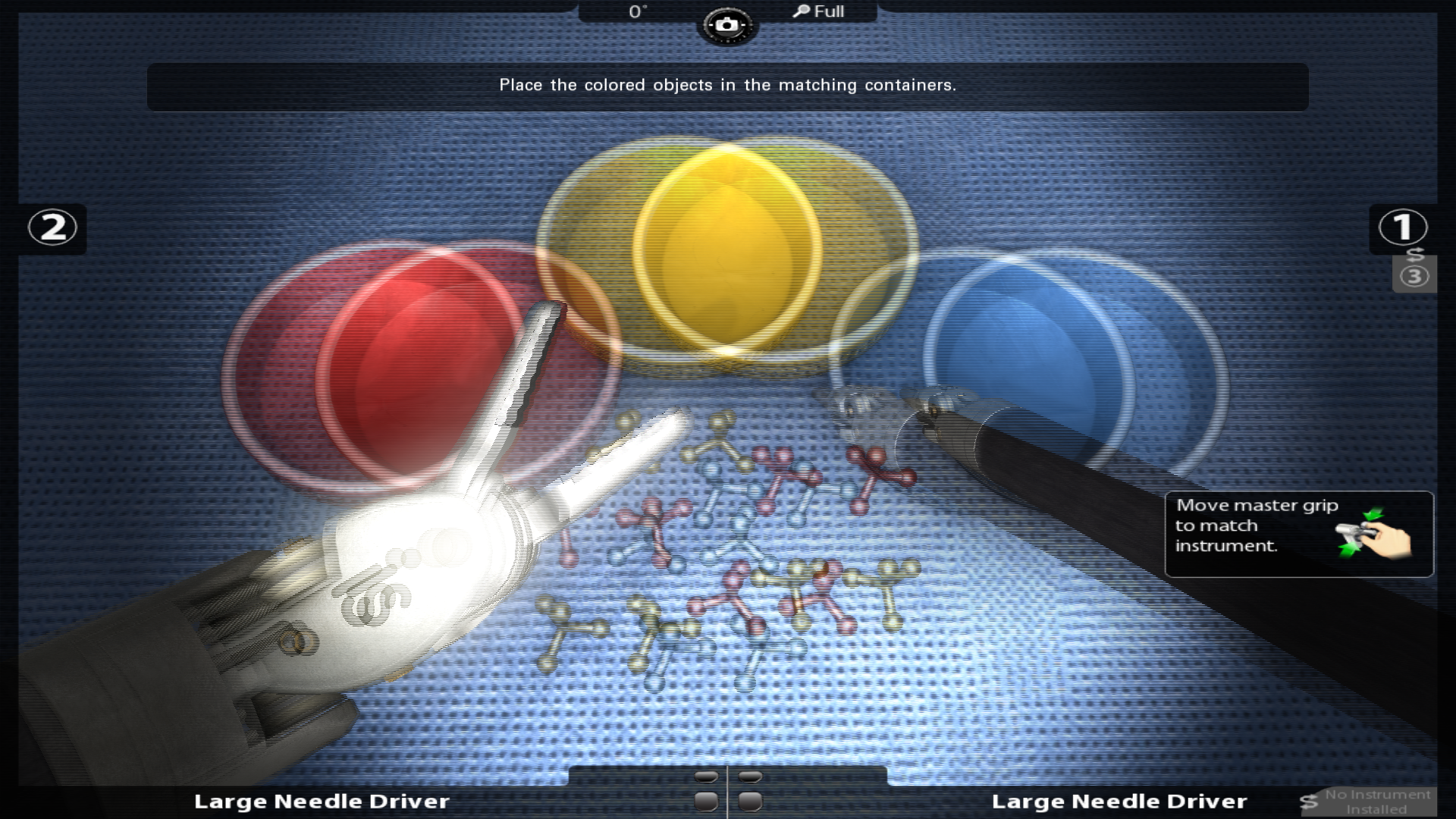
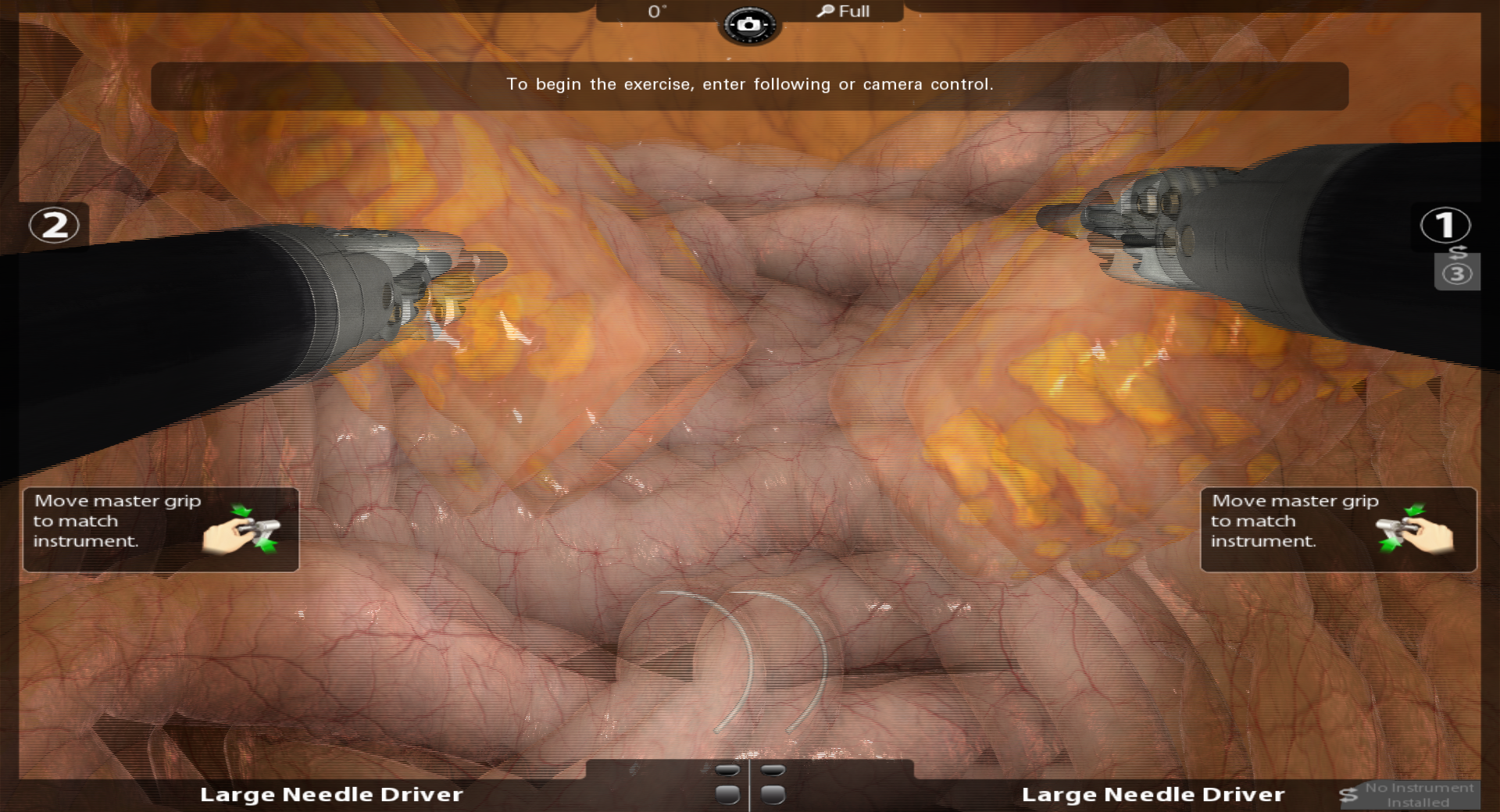
The next set of images requires a 1080p passive 3D monitor and matching 3D glasses in order to perceive the stereo effect. The image must also be displayed in full-screen mode to align the image with the monitor's interlacing. I developed this form of 3D stereo to allow viewing the simulation in stereo when only a monitor and no stereoscope was available.
Quad-buffered Active 3D Stereo
For the FlexVR platform (a portable surgical simulator), I developed an active 3D stereo system for viewing the simulation on an active 3D display with an NVIDIA 3D Vision setup. For this implementation, I developed a quad-buffered stereo renderer. I added additional support for standard external displays as well.
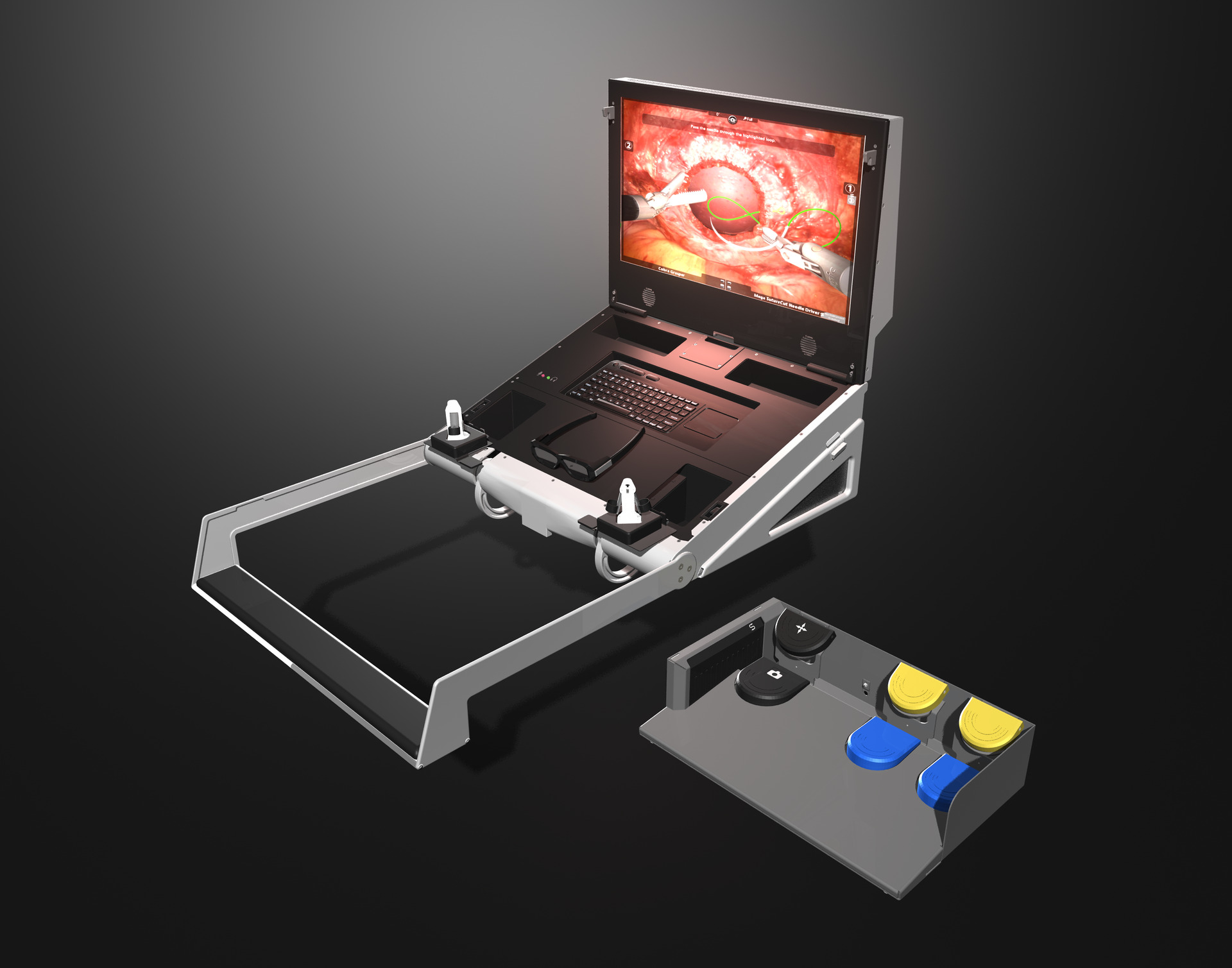
Quad-buffered Active 3D Stereo v.2
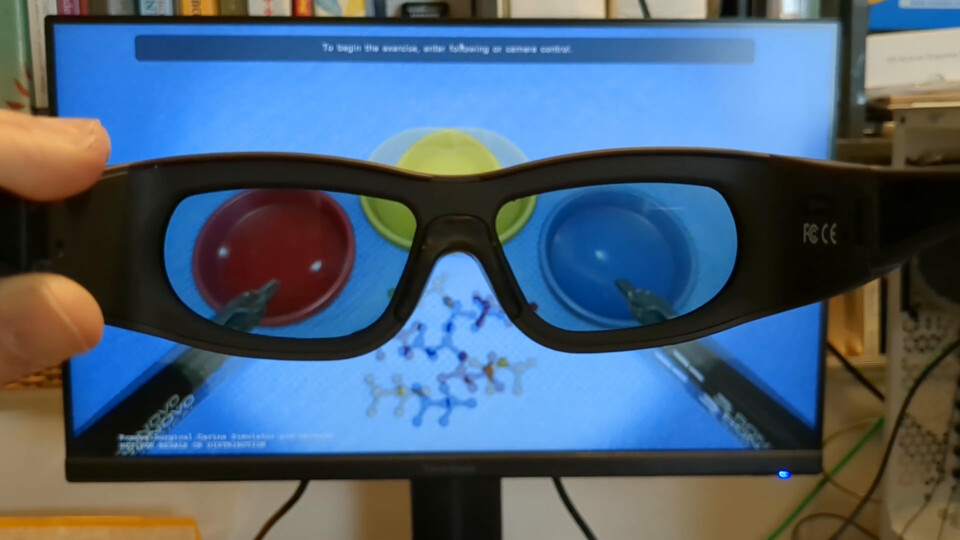
After NVIDIA stopped production of their 3D Vision Kit, I worked with our lead hardware engineer to develop an in-house replacement for the hardware and software. I created a new quad-buffered stereo rendering solution using Windows API, DXGI, and DirectX. The following video shows a successful test of the new in-house IR emitter and active shutter glasses syncing with the active 3D stereo rendering.
Autostereoscopic Rendering
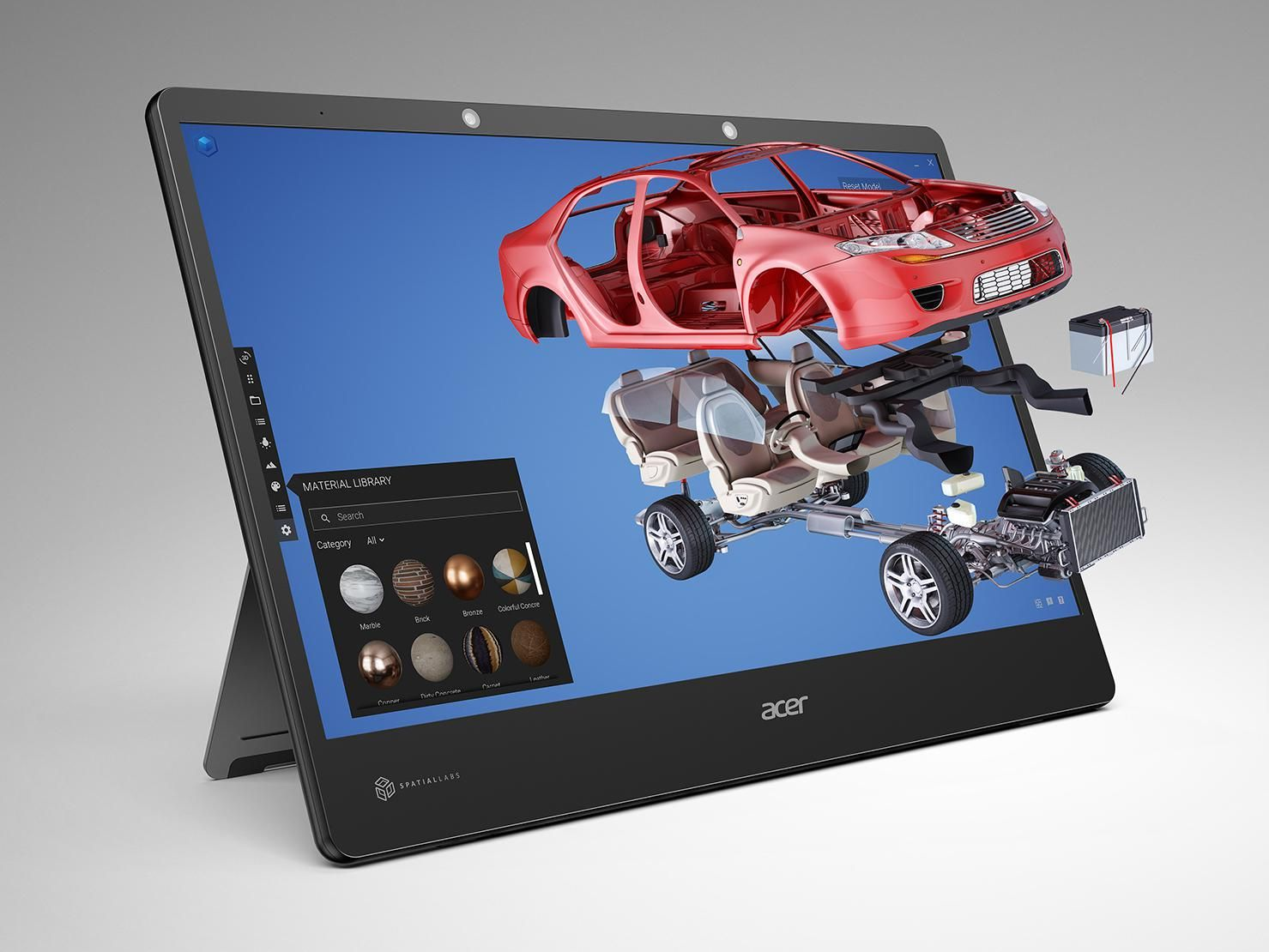
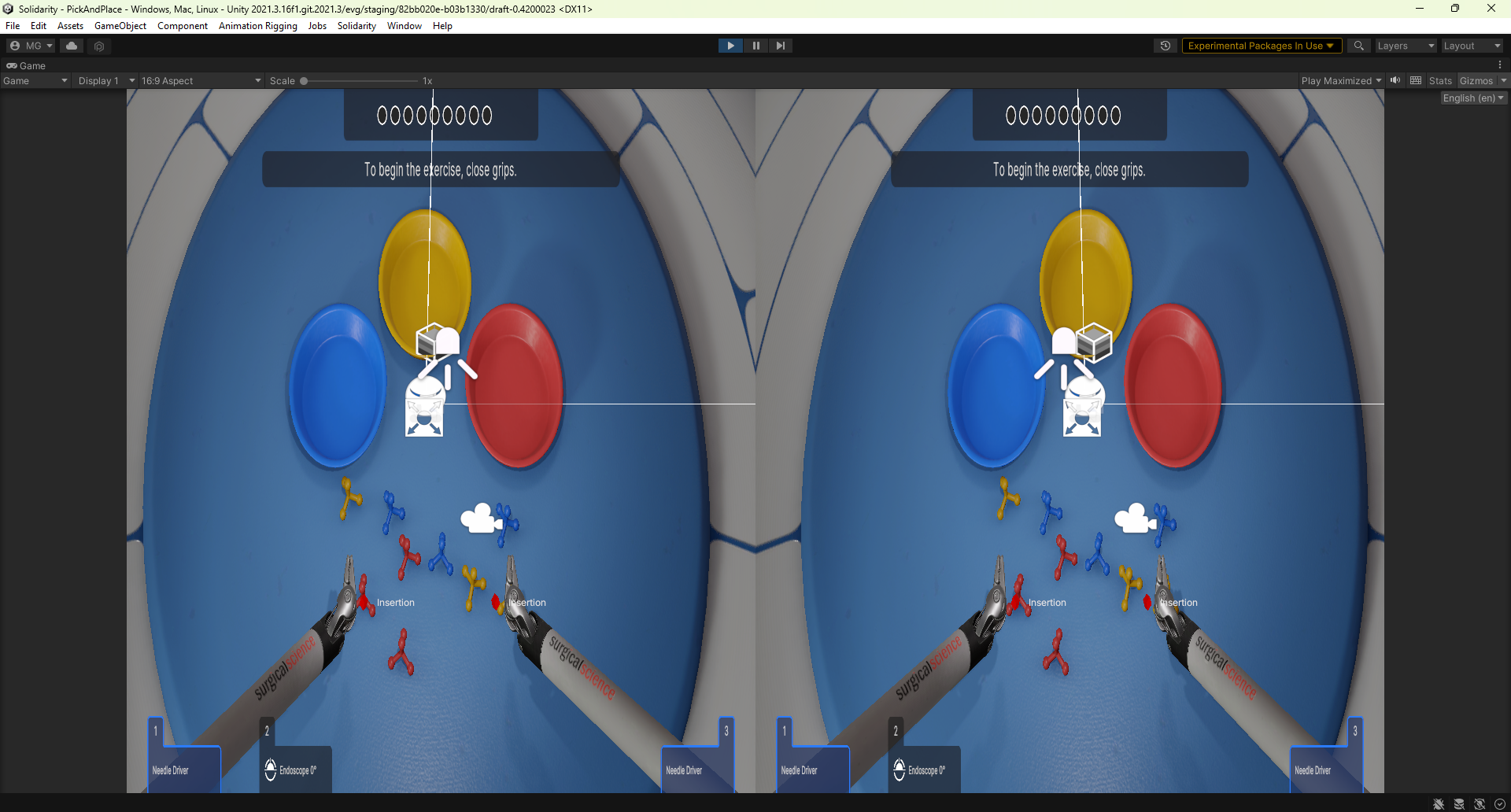
Auto-stereo rendering is a technique that generates 3D images visible to the naked eye — without requiring special 3D glasses or a head-mounted headset. I added support for rendering to an auto-stereo display to an in-house simulator built on the Unity engine. The display used eye tracking and sent positional information back to the engine which then used those positions to adjust the view frustum and projection for each eye in real-time. The first image in the following row is a conceptual representation of what a viewer would see sitting in front of one of these displays. The second image shows an actual side-by-side stereo image rendered in Unity before being sent to the monitor for display.
Simulation in VR
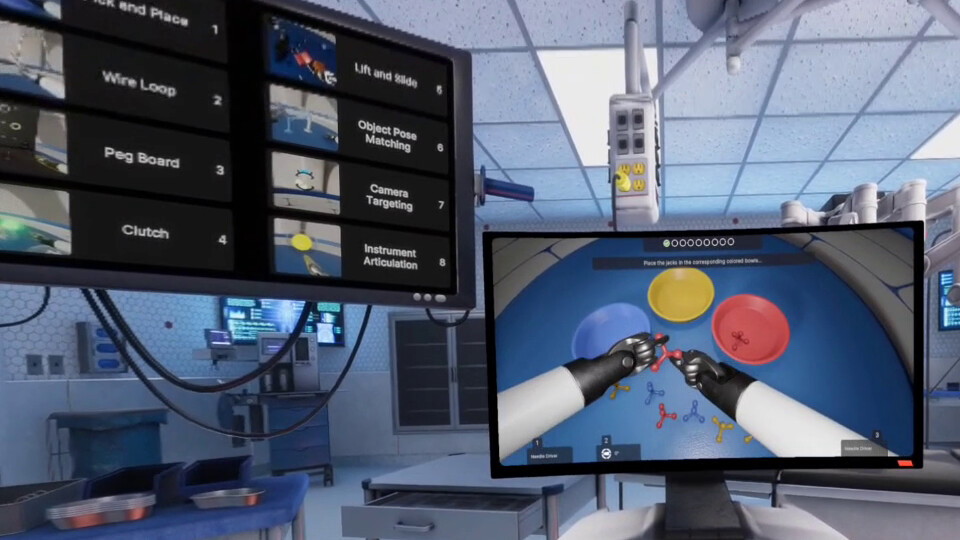
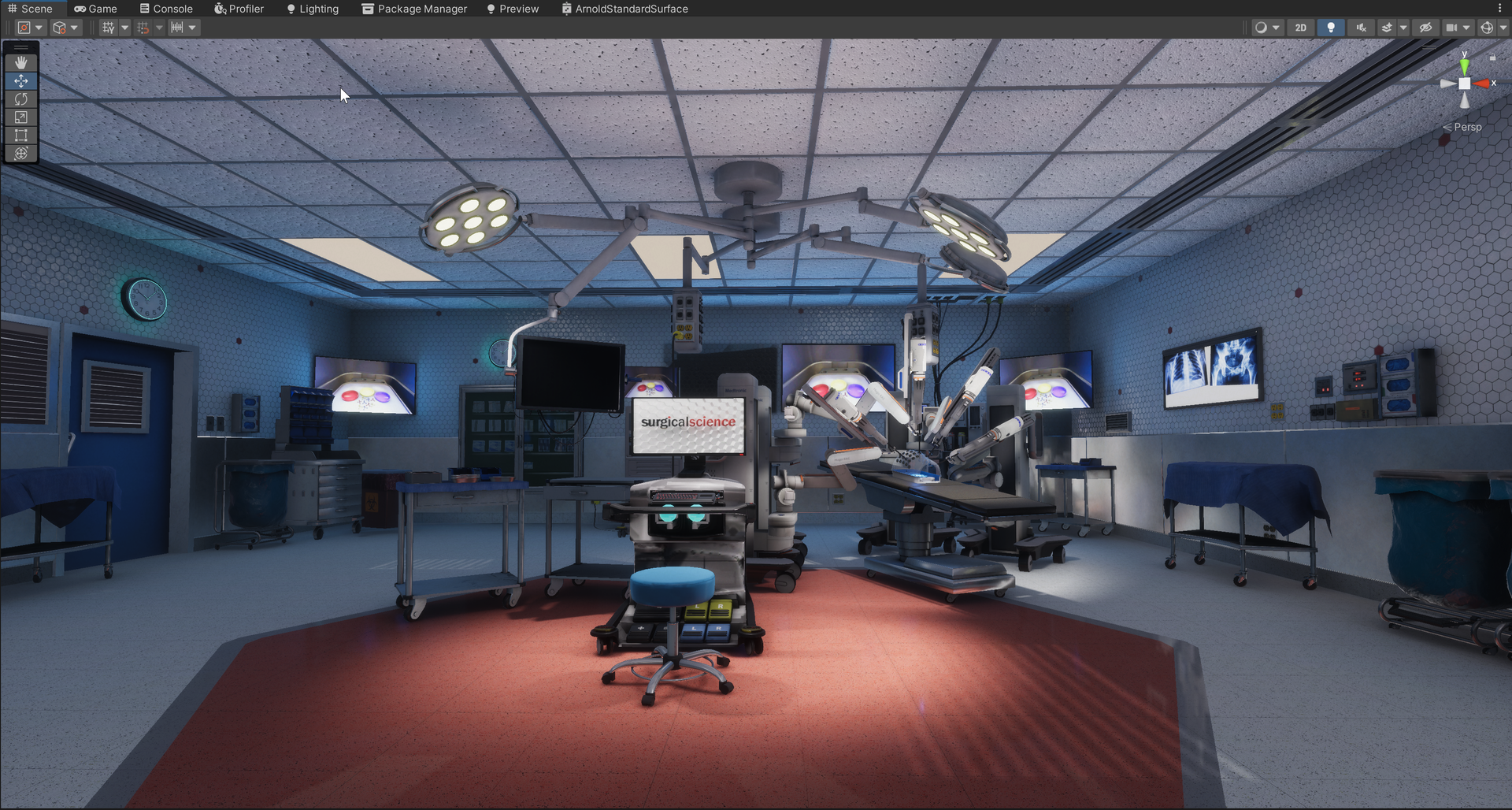
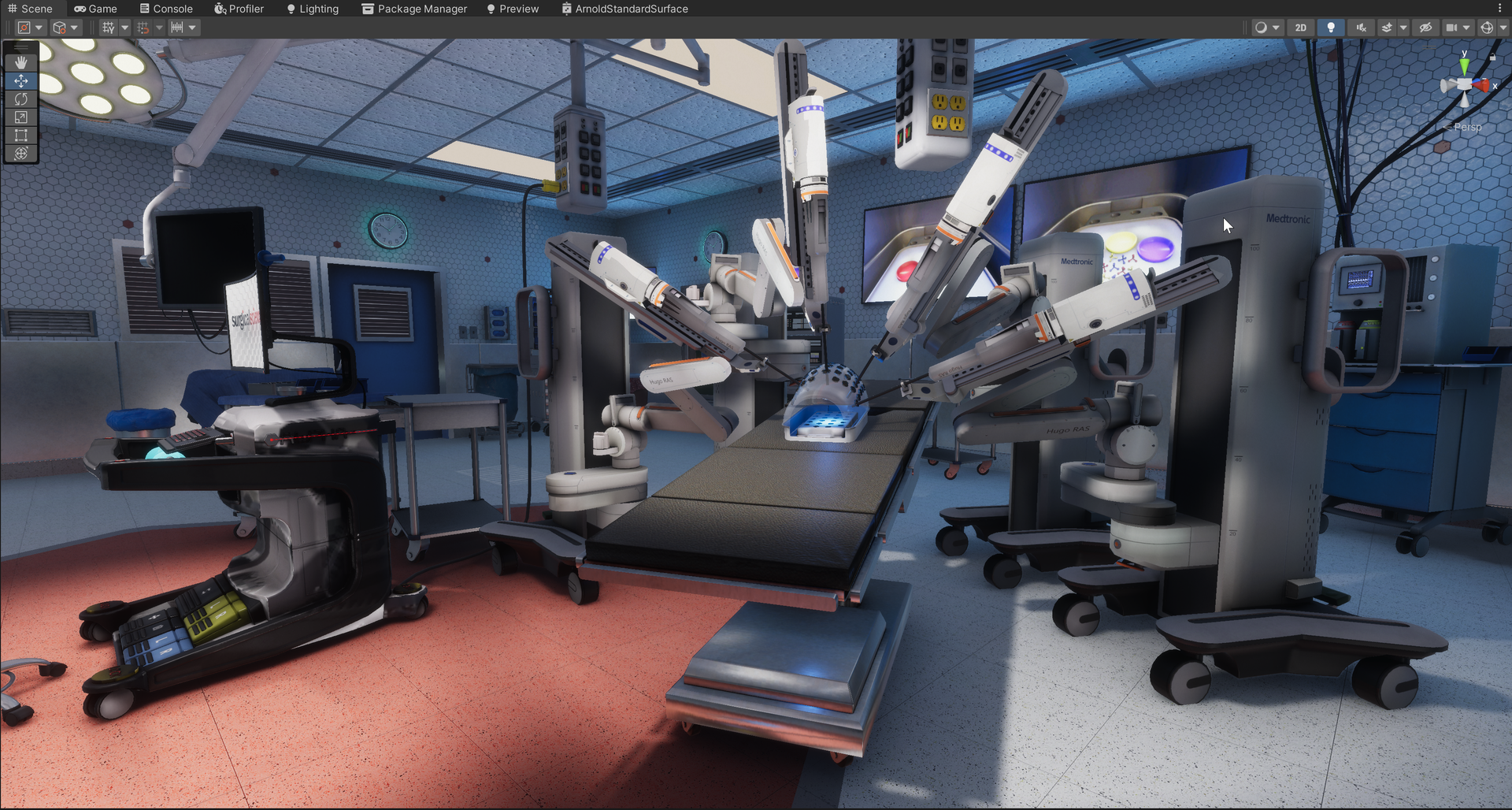
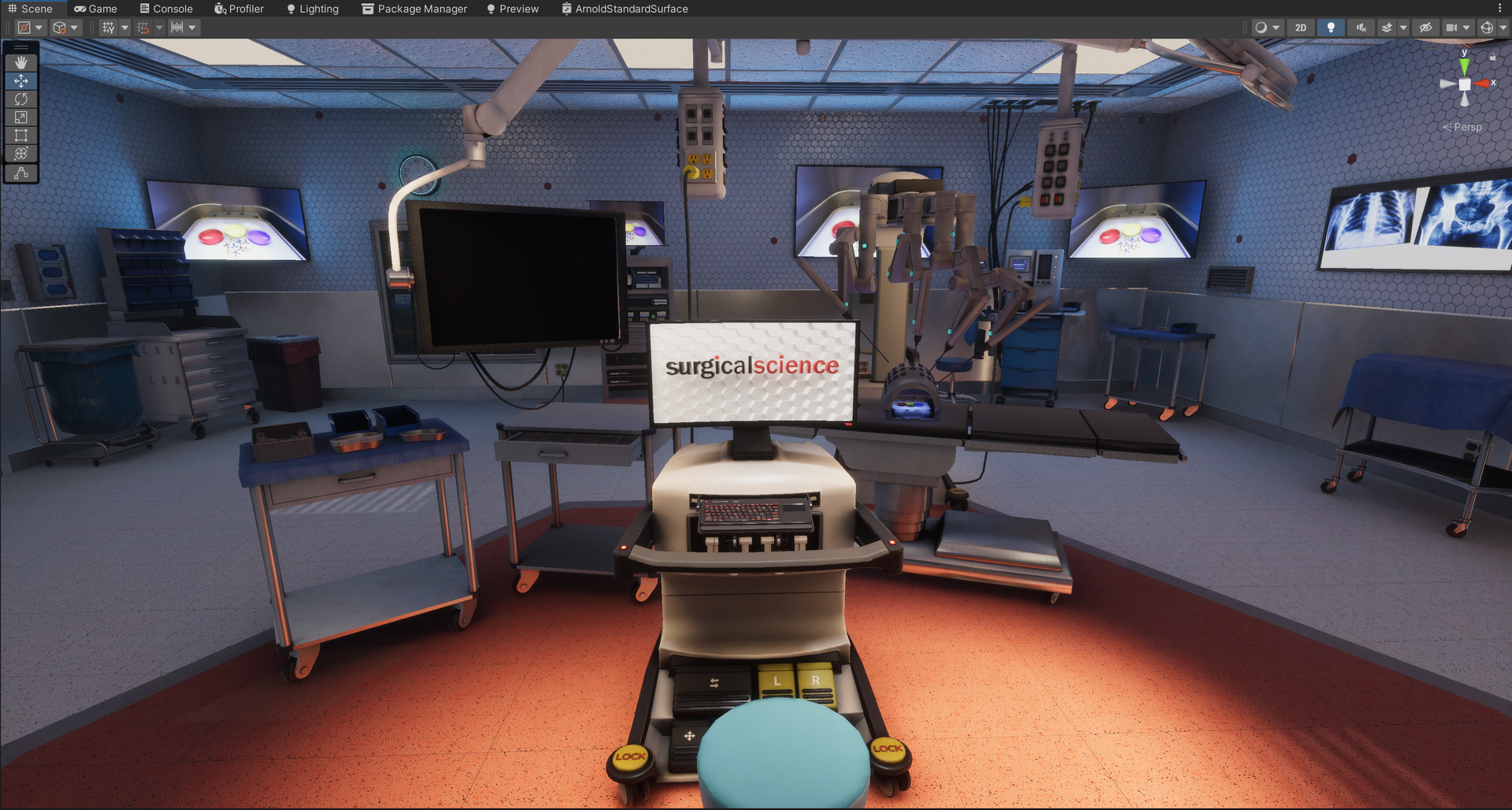
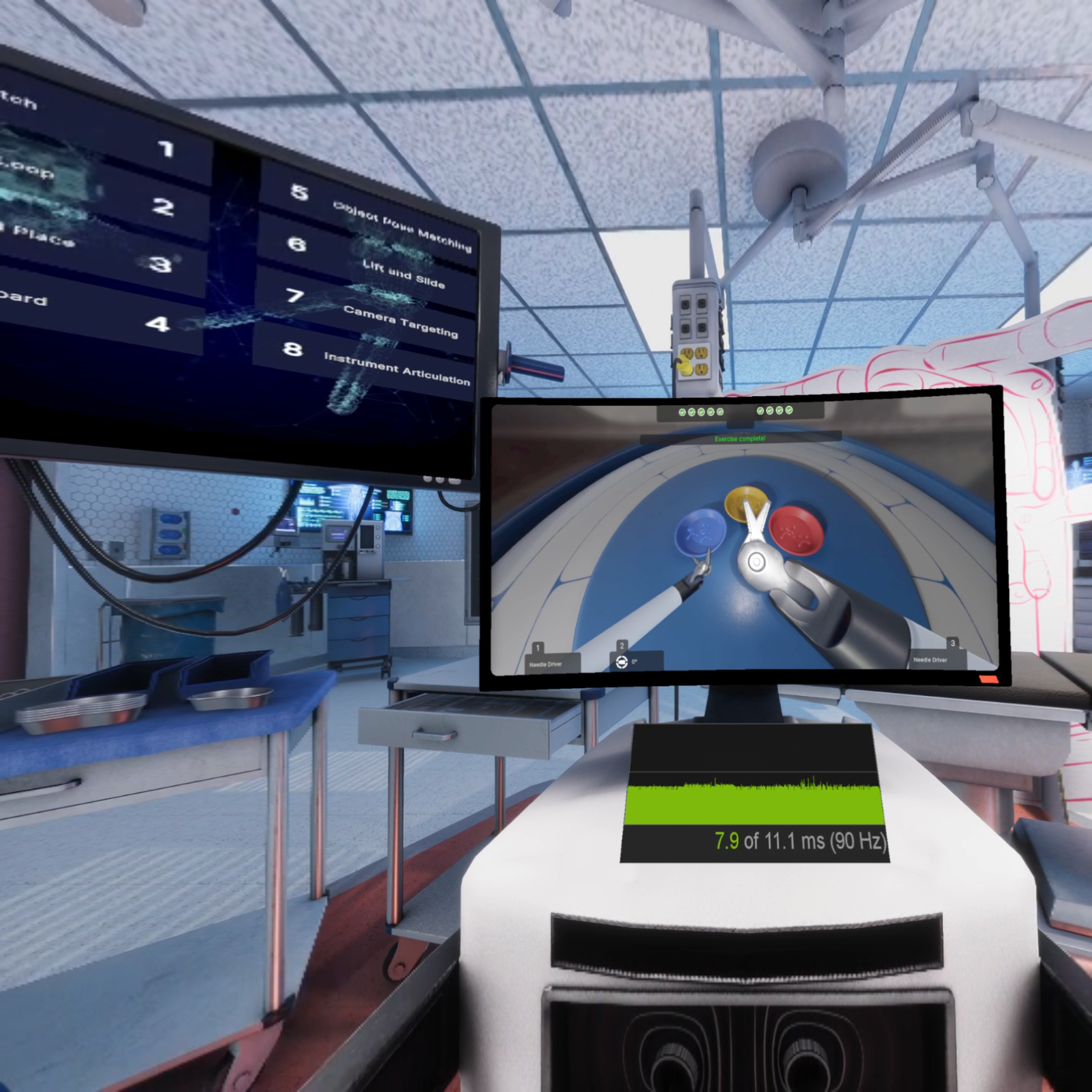
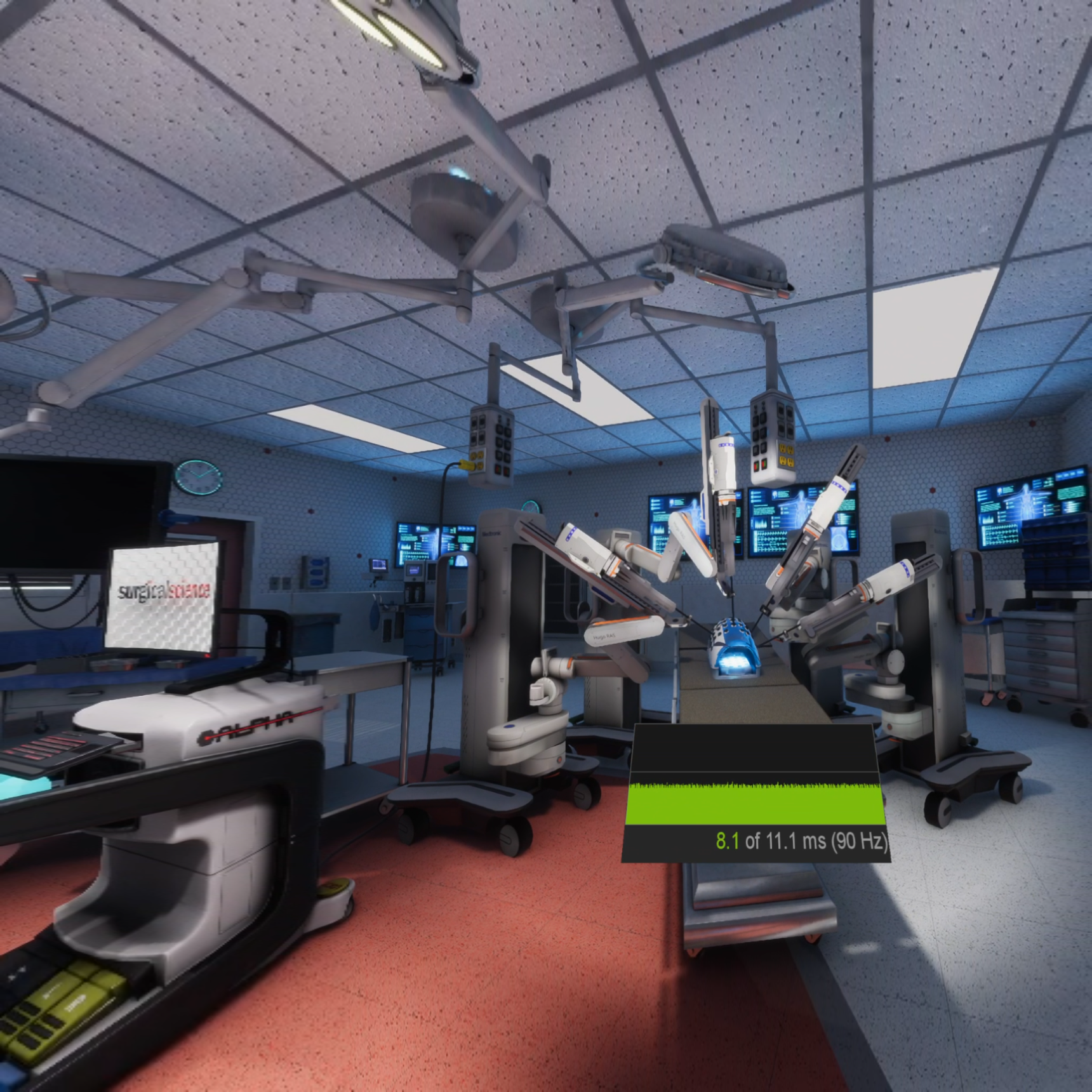
This project was not just a dream. It was a dream within a dream. We created a virtual reality operating room with a fully modeled surgeon's console inside it. In addition to exploring and manipulating items in the OR, the user could sit down at the console, grab the controls and start running our full simulation exercises from within the VR OR. The input from the VR controllers was routed back to our simulation engine, which simulated and rendered frames as normal, then the simulation images were streamed back to the VR OR and applied to the console monitor. The VR OR ran on the Unity engine and was streamed to Oculus and VIVE headsets. We could attach the OR to two separate in-house simulation engines, one custom engine and the other running on Unity.
I stood up the original prototype operating room before handing it off to the art department who made it gorgeous and fully realized. My contributions included establishing all the lighting: area lights, light probes, reflection probes, light maps, and light volumes. I also set up the stream of simulation frames from the in-house simulator to the VR OR. I optimized the scene to maintain a framerate that would not cause nausea, utilizing Deep Learning Super Sampling (DLSS) among other optimizations.